Linux BMR: GUI and Support Tools
EnterpriseBacula Enterprise Only
This solution is only available for Bacula Enterprise. For subscription inquiries, please reach out to sales@baculasystems.com.
File Menu
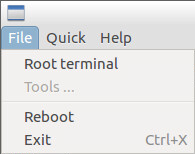
The File menu shown in figure The File Menu gives you access to a “Root terminal” and lets you “Exit” the program or “Reboot” the system.
The File Menu
Quick Menu
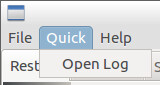
The Quick menu in figure The Quick Menu can open the log file of the BMR program.
The Quick Menu
Restore Tab
The restore tab has been described in the previous sections.
Logging Tab
The Logging Tab
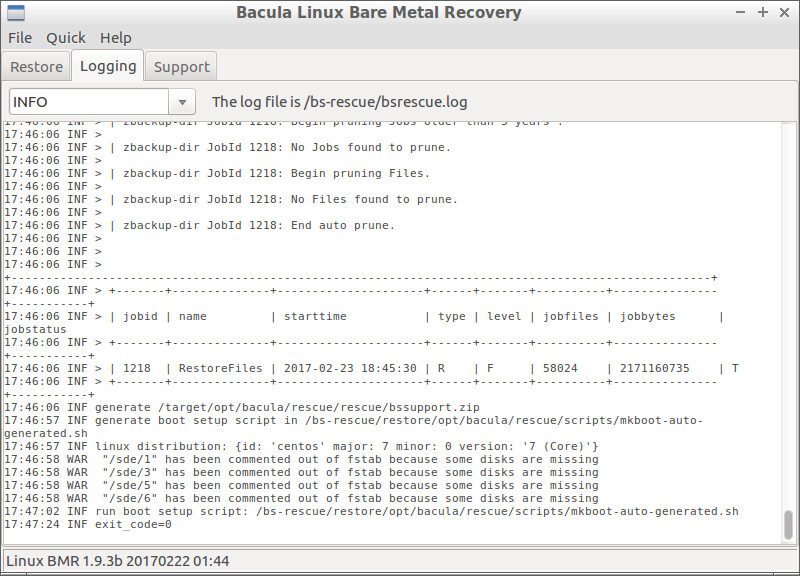
Next to the “Restore” tab is the “Logging” tab that displays all log messages of the BMR program. Messages can be filtered by level.
Support Tab
The Support tab
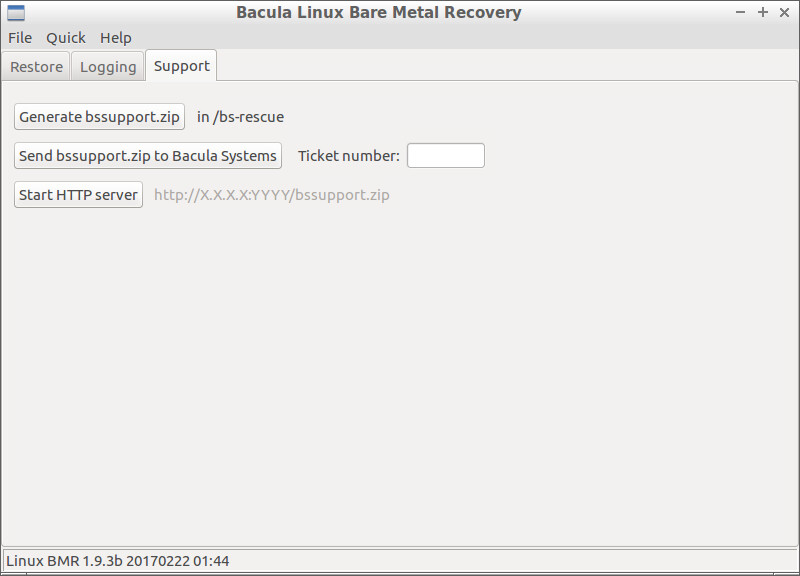
The “Support” tab presented in figure The Support tab allows the
generation of a report file bssuport.zip that contains information
required by our support team to assist. The file can be uploaded
directly to Bacula Systems’ ticketing system (using the https protocol),
or downloaded through HTTP protocol via a built-in server. When
uploading, if you already have a ticket open, then supply the ticket
number when sending the file to Support. If not, use any identifier that
can help the support team to easily identify your report.
See also
Previous articles:
Next articles:
Go back to: Bare Metal Recovery for Linux.